Forklift Model Comparison Brief
Choose two or three researched models, keep the operating requirement constant and record the answers in each supplier quotation. Print or download the comparison when it is ready to review.
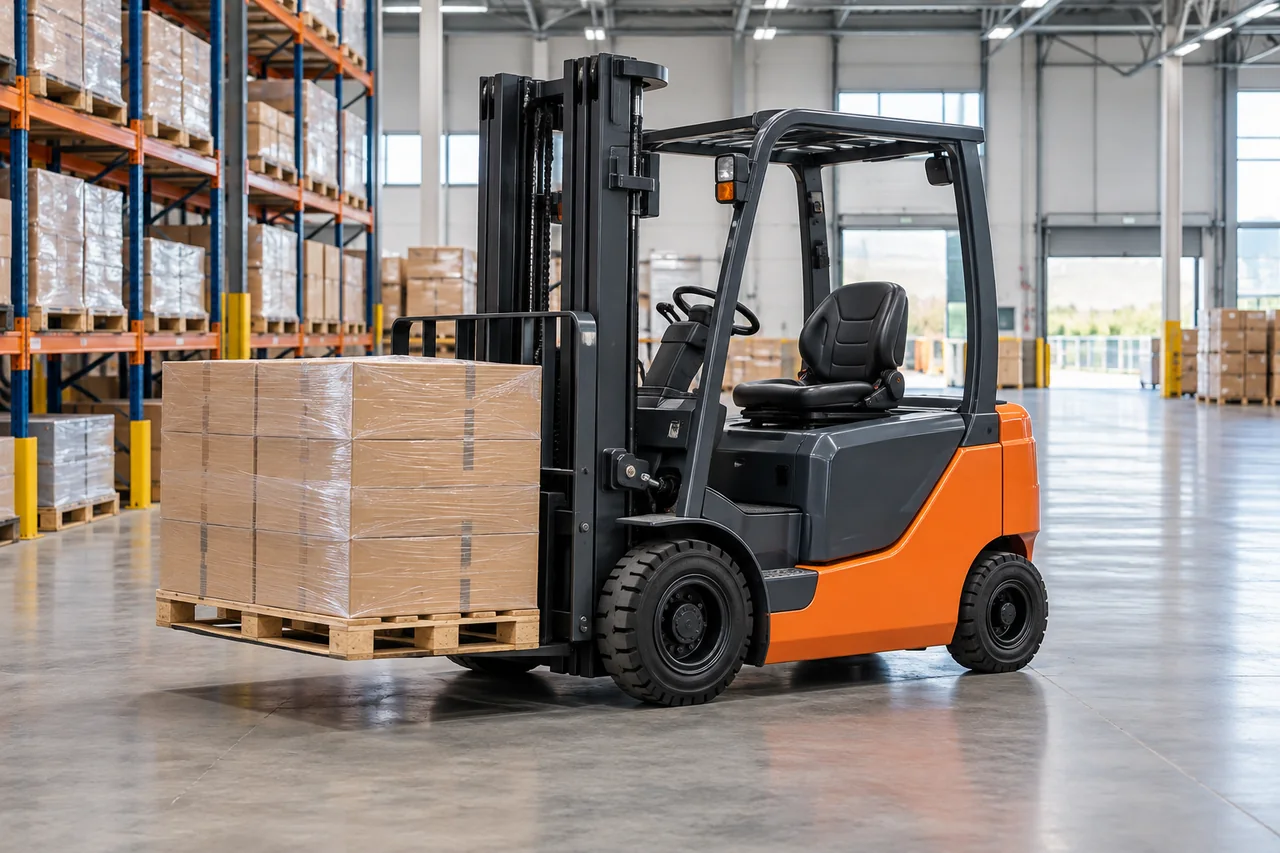
Editorial equipment illustration; not a photograph of a selected model.
Start with one operating requirement
A useful comparison begins with the job you need to perform. Write the same load, dimensions, working height, route, surface and duty requirement for every supplier. If one quotation assumes a lighter load, a different pallet, a shorter mast or a different number of shifts, the apparent price difference may describe different equipment. Keep the original requirement beside the quotations, and record changes explicitly rather than allowing a model name to stand in for a technical specification.
Select profiles, then collect quotation evidence
The model menu comes from the ForkliftIQ research library. Selecting a profile gives this worksheet an identifiable research route; it does not copy every published specification into the comparison. Open each profile to read its source boundaries and application questions. Ask the supplier for the full production model and option code, a dated quotation and the relevant configuration documents. A series label can be a useful starting point while remaining too broad to identify the exact machine offered.
Compare the capacity you actually need
Use the capacity field to record what the supplier confirms for the working height, load centre and attachment combination in your request. Keep the supporting document reference with that entry. A nominal capacity copied from a headline does not, by itself, answer the whole application question. If a document is missing, leave the field blank or explain what remains unresolved. The generated brief will mark empty fields as “Not supplied” so an evidence gap remains visible instead of silently becoming an assumed match.
Keep warehouse geometry and outdoor duty separate
Record the aisle, pallet interface, door restrictions, overhead clearances and relevant surface conditions. Then ask each supplier to identify the dimensions or site evidence that support its answer. A reach truck, side loader, telehandler or vehicle-mounted reference may be researched for a different job from a counterbalance forklift. The worksheet flags selections without a shared category, but it does not rule equipment in or out. Buyers still need an application review tied to their actual site and the exact offered configuration.
Describe power and support as a complete package
For an electric quotation, request the battery and charger identity, charging requirements, available documentation and the support arrangement for the proposed package. For another power source, state the applicable fuel or supply requirement and the expected service responsibilities. Record who provides parts identification, diagnostic support, scheduled service information and warranty decisions. A claim that parts are available becomes more useful when the quotation explains how a buyer identifies a replacement and which party supplies it after delivery.
Normalize the commercial offer
Keep currency, quantity, delivery location, freight responsibilities, installation or commissioning scope and delivery timing beside the price. Record whether the figures include a battery, charger, attachments, spare parts, training or other requested items. A lower initial price can be difficult to interpret when the package or responsibilities differ. This tool deliberately produces a written comparison rather than calculating a winner from incomplete figures. You can add a cost analysis after the suppliers have answered the same scope in compatible terms.
Resolve differences before making a shortlist
Use the generated brief to identify unanswered questions, contradictory documents and quotation exclusions. Send the same clarification request to the relevant suppliers through your normal procurement process. Preserve the revision date and the document identity when an answer changes. If you choose a different model in a quotation column, this tool clears that column’s entries so the previous supplier answer is not carried over to a different machine. Review the changed column before generating another brief or sharing it with a colleague.
Save the brief you want to keep
The information entered in this worksheet stays in the current tab and is not automatically submitted to suppliers or ForkliftIQ. It is not saved as an account record. Download the text brief to keep a copy, or print the generated report after checking the inputs. Editing the form hides the previous report until you generate it again, which prevents an outdated output from appearing current. Reloading or leaving the page may lose unsaved entries, so export the version you intend to retain.
Continue from comparison to sourcing
Use the named model library to investigate alternatives, the supplier directory to identify company profiles and the sourcing request center to prepare an equipment or parts requirement. The worksheet does not contact companies or approve supplier claims. A purchasing decision still needs the documents, responsibilities and operating case that apply to the actual transaction. Keep unresolved items in the brief until the relevant evidence is supplied and reviewed.